Hi all, need a quick sanity check on MiBoxer Tuya compatibility.
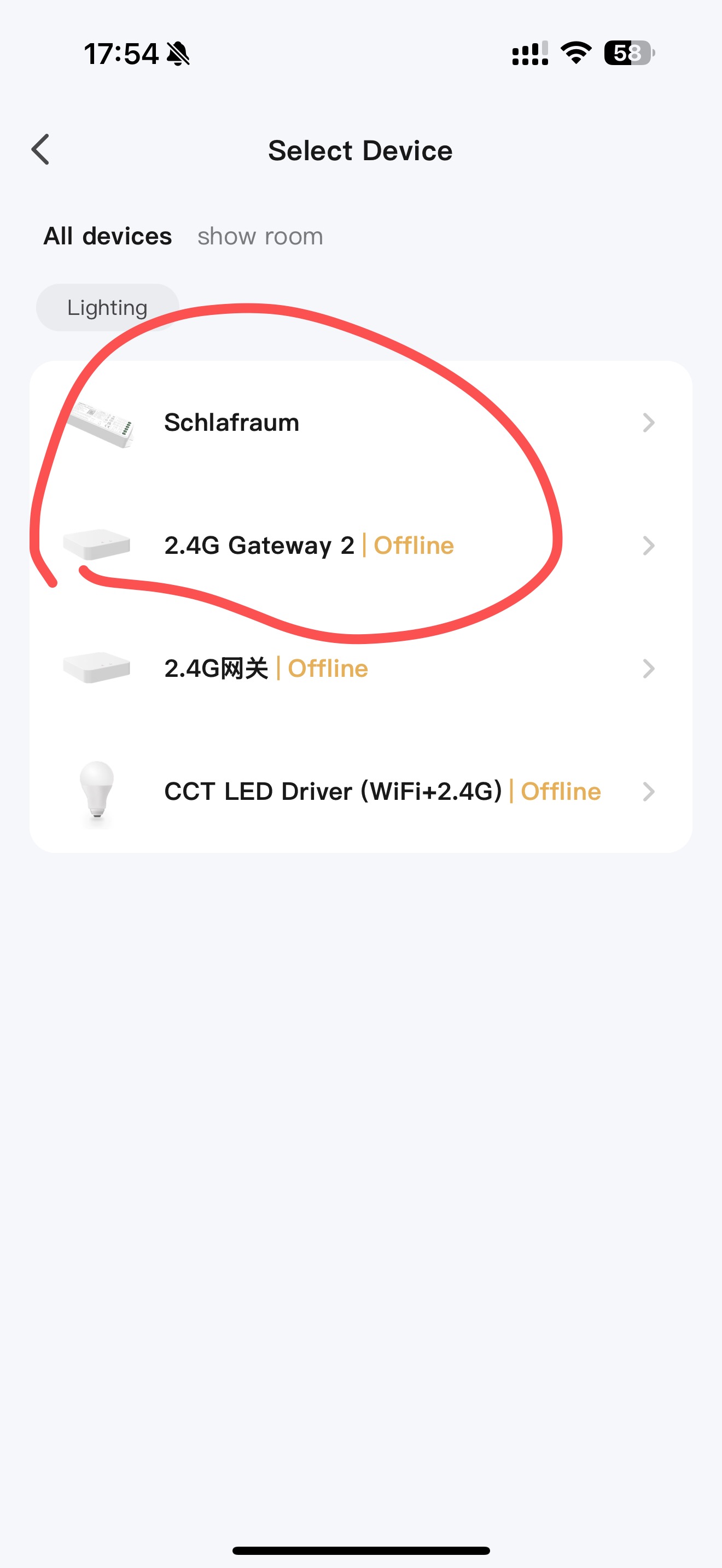
• I plan to use WL-Box2 for legacy Mi-Light/MiBoxer 2.4 GHz bulbs. Please confirm WL-Box2 can be added to Tuya/Smart Life and control those bulbs/zones there.
• I also want to add ZigBee devices (scene buttons/remotes, on/off relays, dimmers, LED controllers). Am I right that any ZigBee device needs a ZigBee hub (e.g., Tuya ZigBee Hub or MiBoxer ZB-Box3 ) to appear in Tuya?
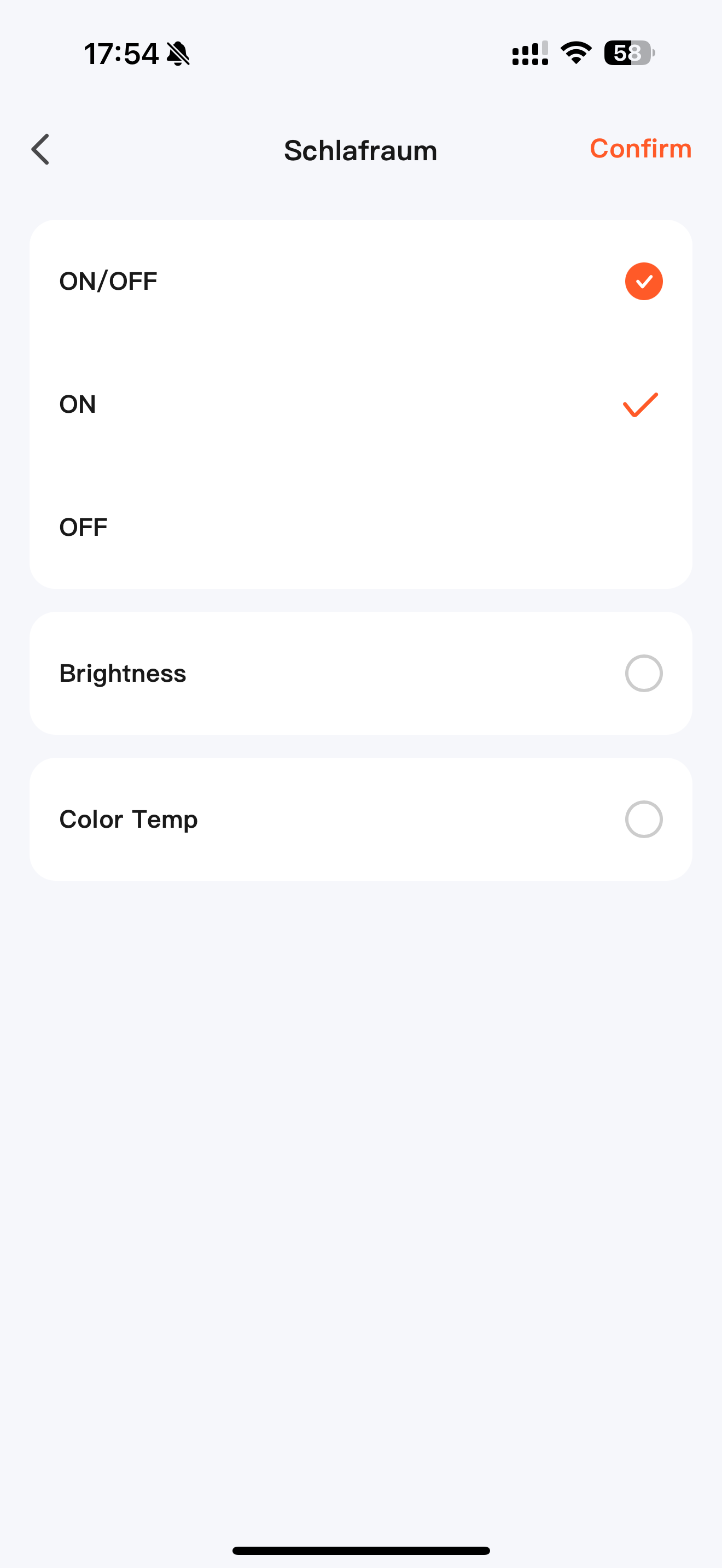
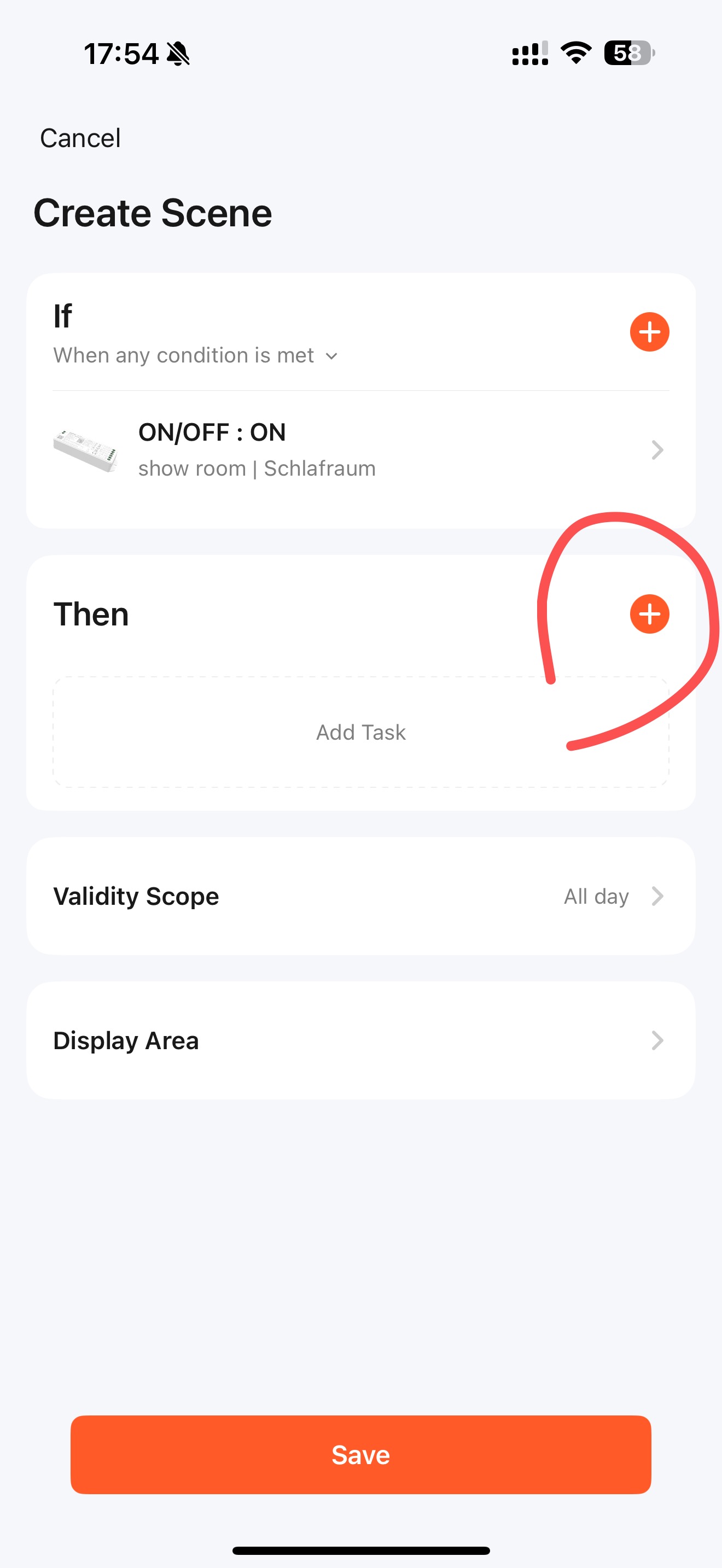
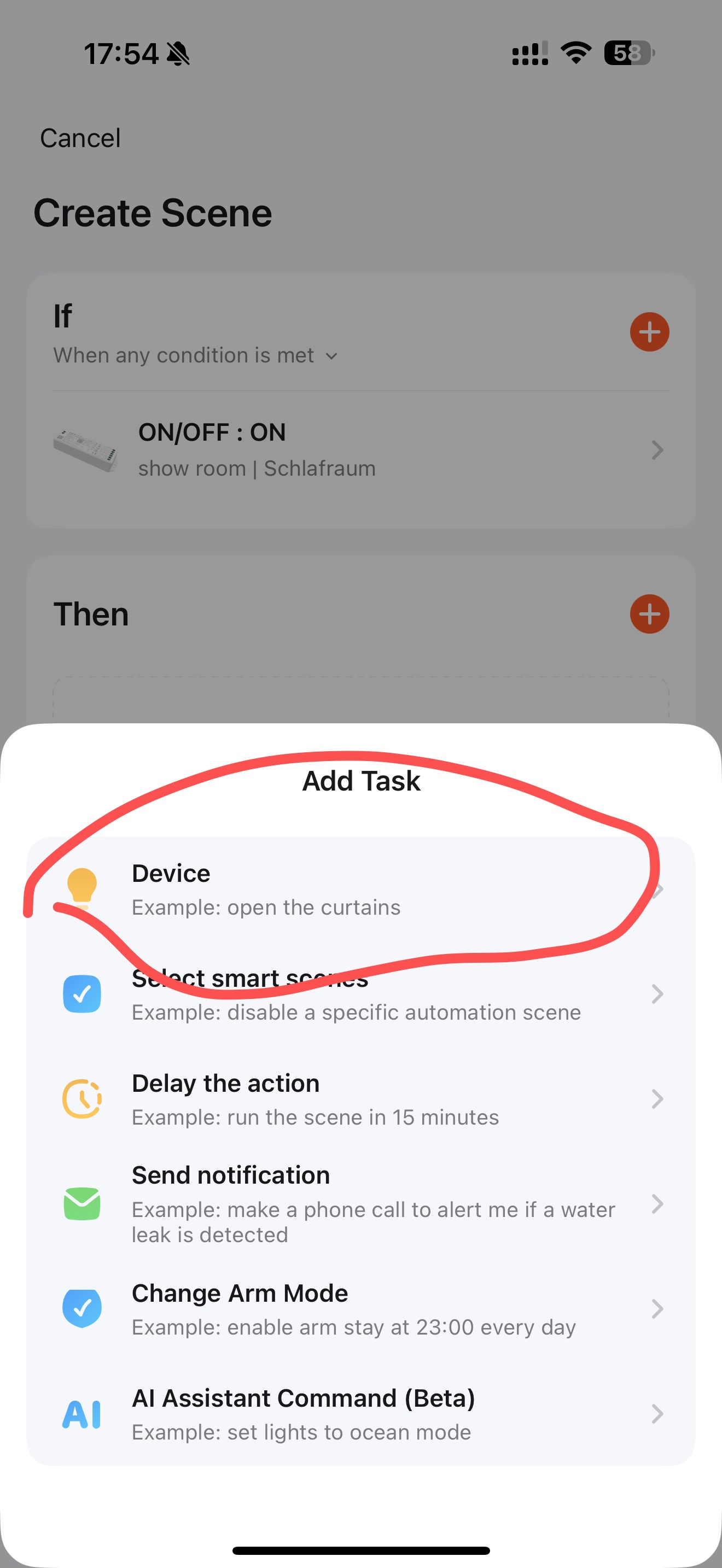
• Please confirm this flow works: ZigBee button → ZigBee hub → Tuya scene → WL-Box2 → my legacy bulbs. (I understand this depends on internet connectivity.)
• Cross-compatibility question: Do MiBoxer ZigBee devices work fully with other Tuya ZigBee hubs (incl. features like music mode, touch-link, etc.)? And vice versa — can other Tuya ZigBee devices be paired to MiBoxer ZB-Box3 without losing functionality?
You say that your Gateway is compatible with other ZigBee devices. But my question is — are MiBoxer ZigBee devices compatible with other Gateways? And secondly — when connecting through different Gateways, is the device functionality reduced or does it remain full?
I have about 20 Mi Boxer brand light bulbs. Why can’t I connect them all to one device? Do I really need a separate hub for each ecosystem? This should all work on one device instead of becoming a headache. Do I now have to throw them away and buy everything on ZigBee? I have two floors of your light bulbs.
I want to buy ZigBee switches and a ZigBee controller that can use Sunrise–Sunset scenarios. How can I connect and power all of this in a convenient, unified way instead of having it scattered?
Our Zigbee devices are compatible with other Zigbee gateways. However, some Zigbee gateway brands have device restrictions. For example, Xiaomi and Aqara don’t support other brands’ Zigbee devices.
Which brand of gateway are you using?
The functionality will remain the same.
Are your bulbs RF or Zigbee+RF? Can you tell me the model?
We can add all of our bulbs to the same gateway for unified control.
You can set sunset and sunrise scenes in the app.
You can install two power supply, including the switch, one on the first floor and one on the second floor to avoid power and voltage overloads.
[quote=“Elle, post:4, topic:156, full:true”]
Here’s my situation: I have a lot of your devices, including FUT108, LS2, FUT014, FUT012, FUT106 (not counting remotes and other accessories). I purchased them not long ago, expecting full Tuya integration.
Now I’ve found out that for the Tuya Sunrise/Sunset function, it might require ZigBee . If this is not the case, please explain exactly how I can enable this function with my current 2.4 GHz bulbs in Tuya using the WLBOX 2 .
I also need clarification on:
Can all my equipment be connected to a single Tuya app so that all functions (including Sunrise/Sunset) work without the need for two separate hubs and control systems?
If I decide to switch to ZigBee, how can I do it with minimal losses and without replacing all the bulbs?
Why, after releasing a ZigBee hub, do you still sell 2.4 GHz bulbs without proper Tuya support? This means I would need to have both 2.4 GHz and ZigBee devices and two hubs, which is confusing and misleading for customers.
Please provide a clear technical answer, without generic statements, so I can understand how to proceed.
These bulbs all is the RF2.4G protocol and can be integrated into the Tuya app, but they need match with WL-BOX2.
The WL-BOX2 also has sunset and sunrise functions. Below is a link to a video demonstrating how to do this.
Yes, all devices can connect to Tuya, and the sunset and sunrise functions are guaranteed to work properly.
Sorry, if your bulbs is RF2.4 protocol, you cannot change to the Zigbee protocol. You can only use the WL-BOX2 gateway or change the bulbs to Zigbee. However, if your bulbs is 2.4G+Zigbee protocol, such as the FUT105ZR, you can use the WL-BOX2 or the Zigbee gateway.
We apologize for the confusion. We develop products based on market demand. Although Zigbee is very popular now, many of our customers still prefer 2.4G.
Our products are marked as either RF2.4G or RF2.4G+Zigbee. Please check the product details carefully when purchasing.
The final solution is you add the WL-BOX2 gateway to Tuya.
If your other devices is RF2.4G + Zigbee, you can continue to choose the WL-BOX2. But if you want Zigbee, you can only purchase a Zigbee gateway and add to Tuya.
This means you’re adding two separate hubs and can’t achieve unified control.
HM_TV, if you purchase the 2.4 GHz RF gateway, it is not possible to create rooms in the Tuya app and move the 2.4 GHz RF components to those rooms.
The gateway is the actual device, and the gateway can be assigned to a room.
However, the 2.4 GHz RF lamps are then connected to the gateway (and not to the app).
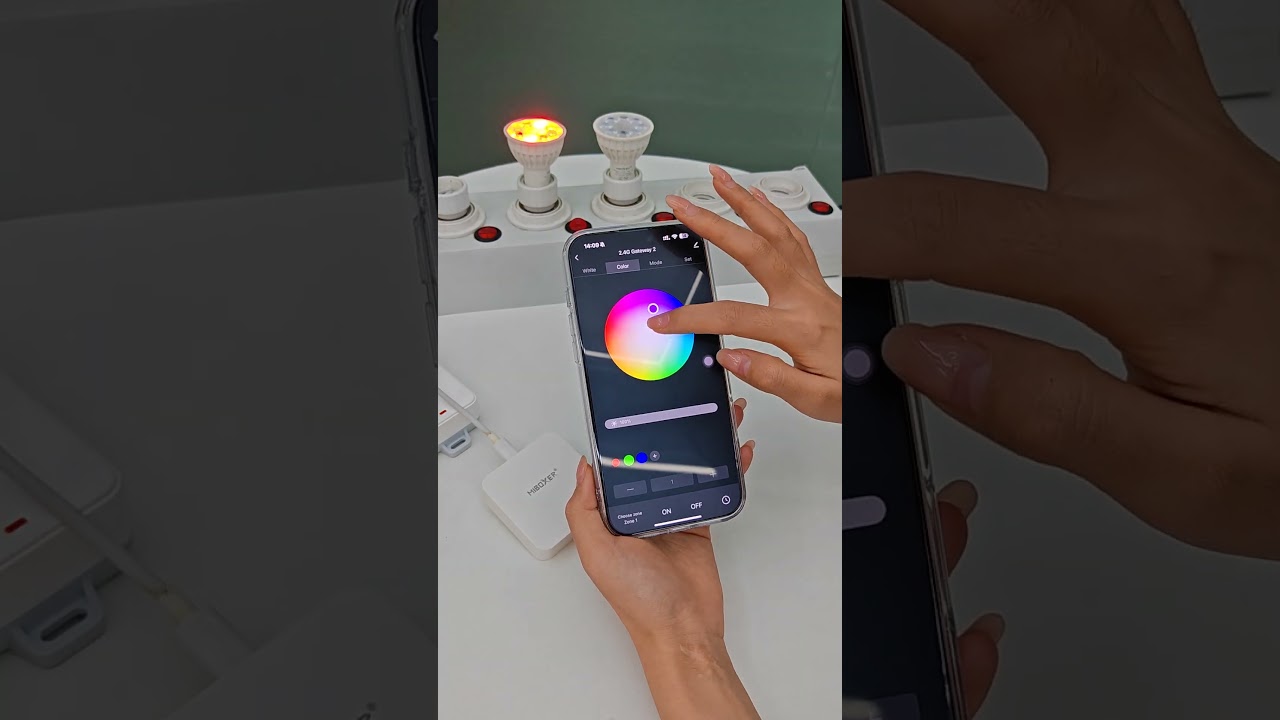
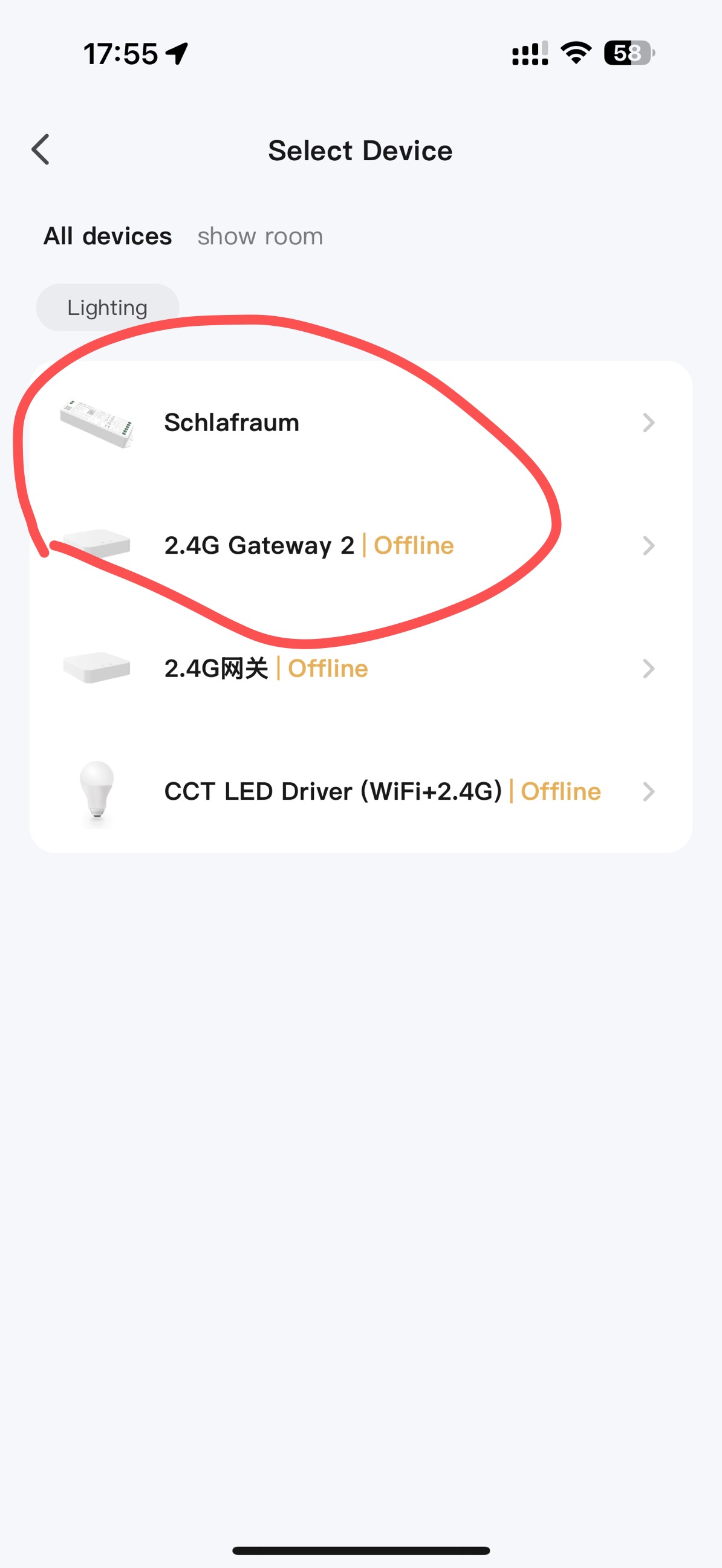
In the video, the gateway was taught to the Tuya app, and its user interface is then opened (it also stays written “Gateway” at the top).
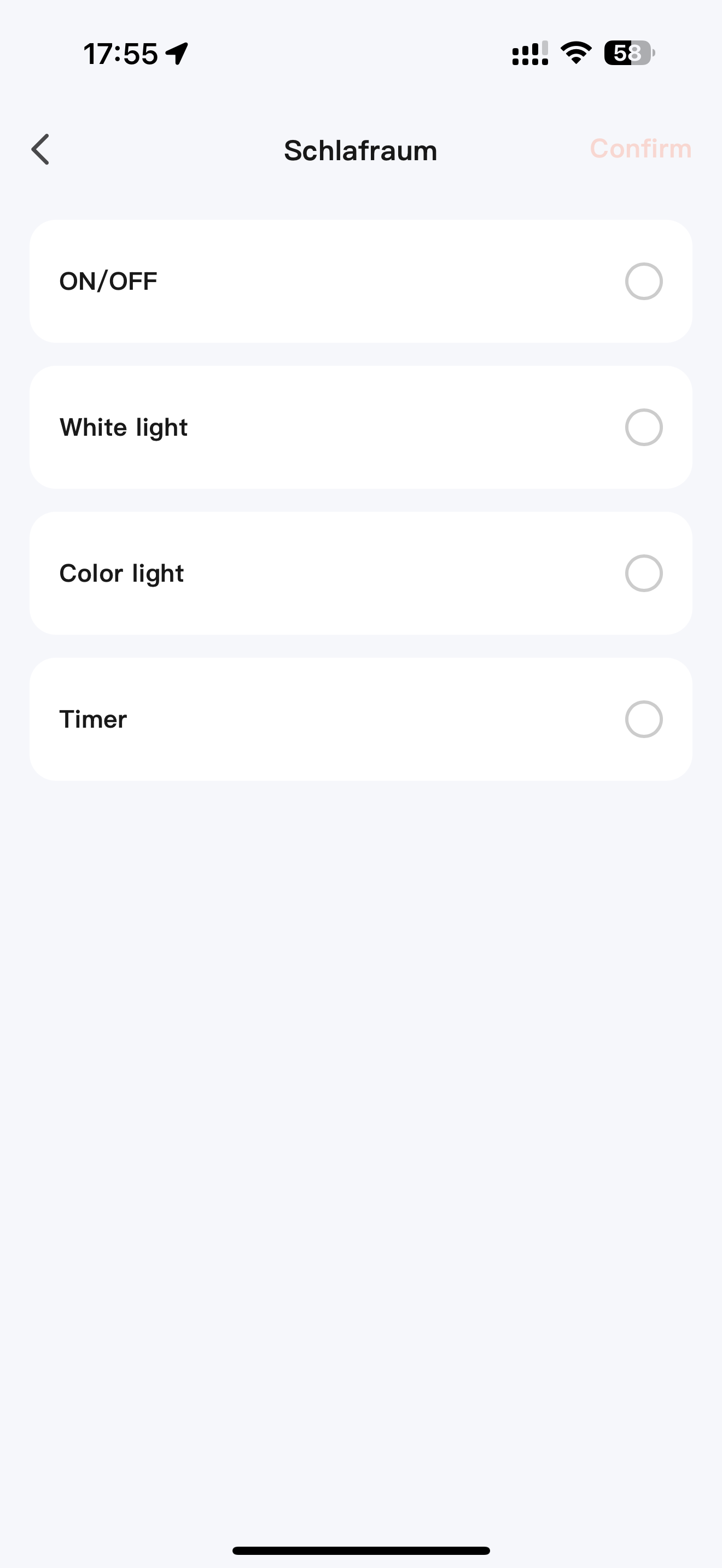
In second 43, click on Zone in the bottom left and select Zone 1. The lamp is then connected to this Zone 1.
All other 2.4 GHz RF components are then connected to other zones, and you have no chance of displaying such a component in one of the rooms in the Tuya app.
Example:
You have a Zigbee light bulb and have purchased the Zigbee gateway.
Then you connect the Zigbee gateway to the Tuya app.
Then you create rooms in the app and move the light bulb to the appropriate one. For example, to the kitchen.
But you also have 2.4GHz RF components in the living room and bedroom. You also purchase the 2.4GHz gateway and connect it to the Tuya app. Now you have to select a zone in the user interface to which you want to register the lamp in the bedroom and a zone for the lamp in the living room cabinet.
If you want to operate it, you always have to open the gateway and select the correct zone.
If you now purchase a Zigbee light bulb for the living room ceiling light, it can of course only be registered with the Tuya app (via the Zigbee gateway). You can now move it to the created “Living Room” room. The only problem is that the living room ceiling lamp can be operated as a zone in the Gateway interface and the display cabinet in the Tuya interface.
I had this problem with LED panels and Zigbee bulbs throughout the house, and my wife couldn’t handle it.
Solution: I swapped 12pcs 2.4GHz controllers for 2.4GHz+Zigbee.
4 bought brand new because the dealer incorrectly stated in the item description that no gateway is required for use with the Tuya app.
I thought it came with a 2.4GHz+Wifi controller (you don’t need a gateway for WiFi, but the standby power consumption is quite high).
The dealer’s solution was to send me a 2.4GHz RF gateway free of charge (he refused to replace the controllers).
Then I replaced all the old controllers that weren’t compatible with the WL-Box2 and threw out the WL-Box2 as well.
That wasn’t cheap!
Using the 2.4GHz Gateway is a workaround, nothing more, nothing less. You also can’t change the order of the zones if you’ve created four living room zones—two in the kitchen, one in the office, and one in the bedroom—and then you remember you forgot the glass cabinet in the living room… no fun!
However, it must also be said that it is quite possible to connect a light bulb to the Tuya app via Zigbee and simultaneously connect a handheld remote control; and Miboxer offers a good selection of these.
Note: The Zigbee gateway operates entirely in the background. I also have special programs for the panels connected via the Zigbee controller, but I can’t say whether these are all the programs available with the handheld remote control.
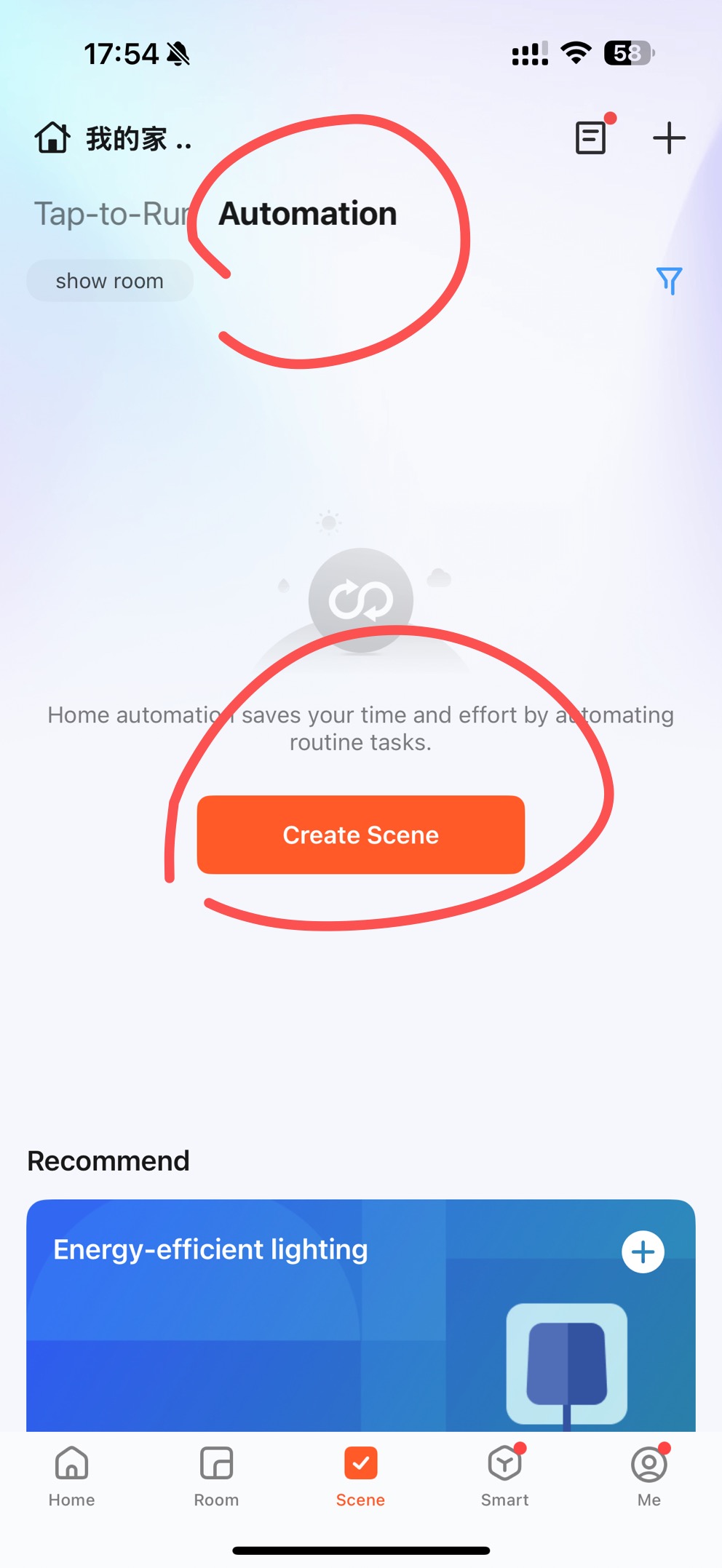
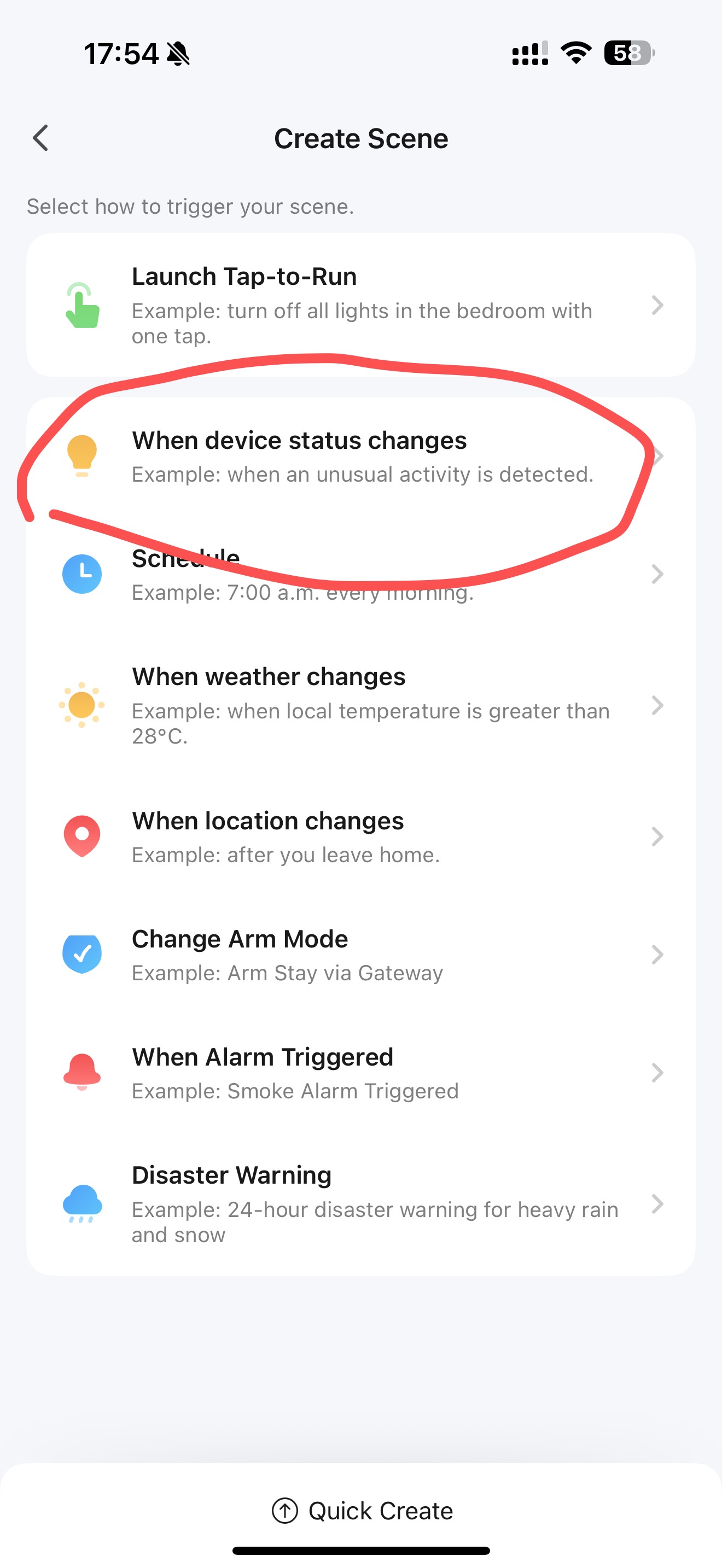
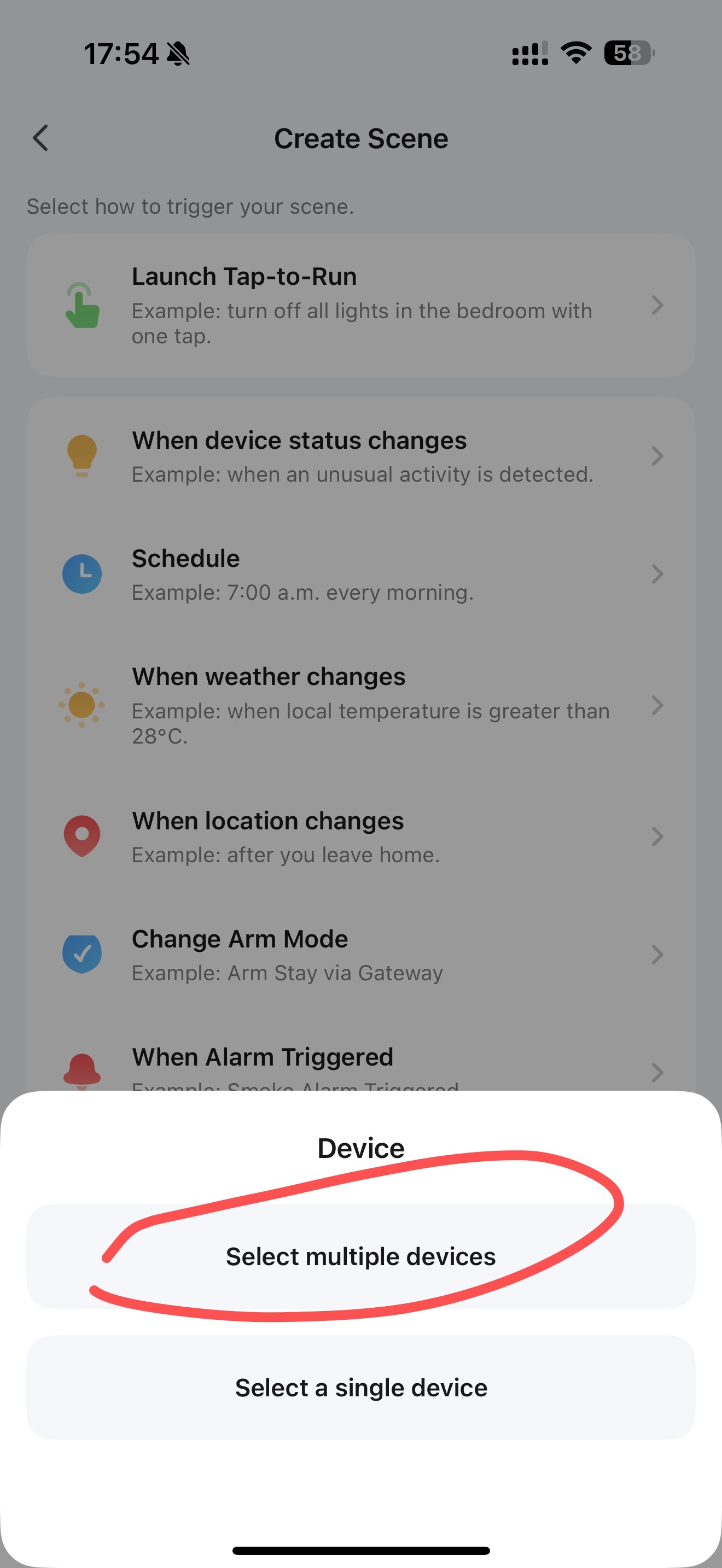
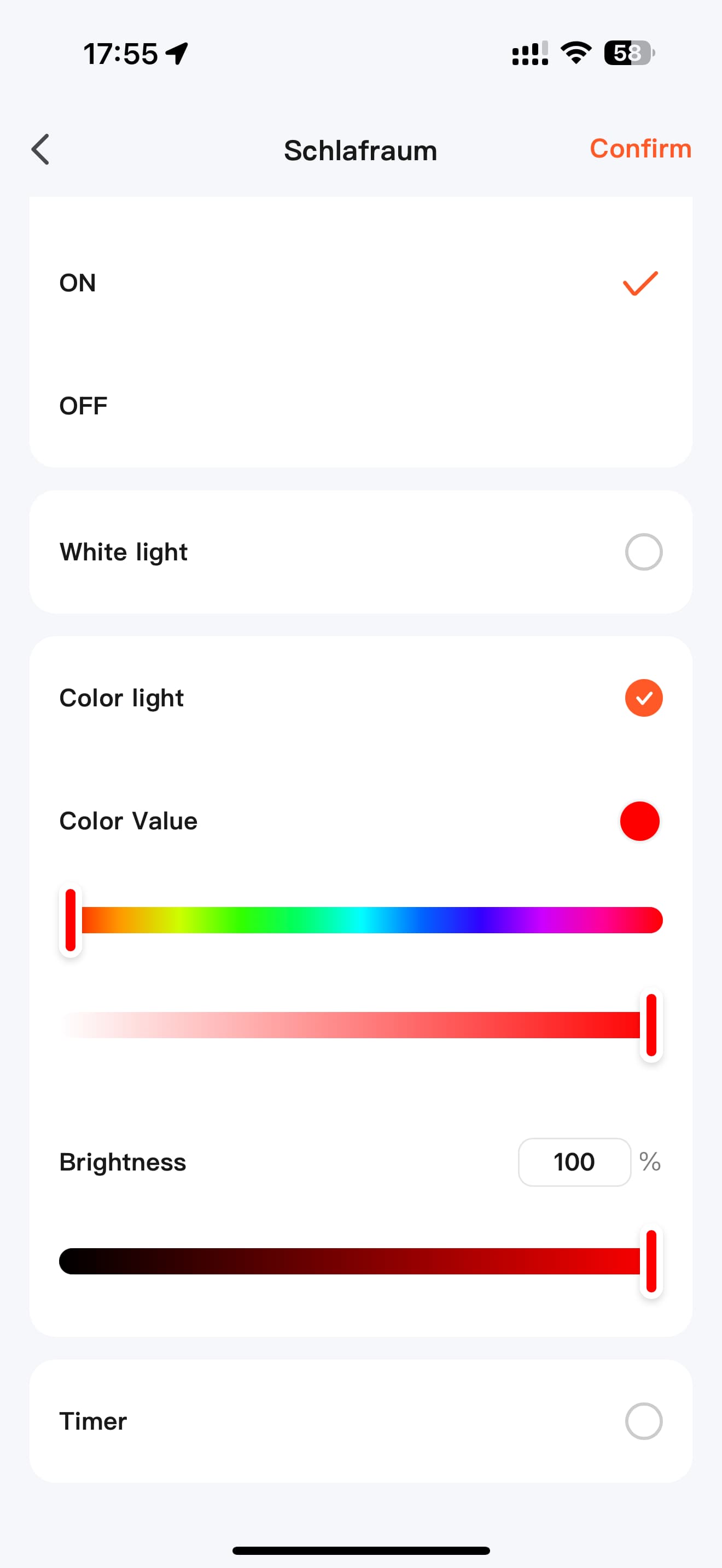
I watched the video showing how, with WL-Box2, you can create a Sunrise/Sunset scenario in Tuya. In the gateway settings, you can select a specific zone, and that zone will then follow the scenario. The logic looks like this:
IF → event → THEN → WL-Box2 → specific zone → Sunrise/Sunset.
Question:
Is it possible to achieve the same scenario if I additionally purchase a ZB-Box3 and a ZigBee button?
For example:
IF → ZigBee button is pressed (event registered in ZB-Box3)
THEN → WL-Box2 → selected zone → on/off
Can such a connection be configured inside Tuya? I am ready to buy an additional gateway if this will work.
Guys, I just bought your ZigBee gateway, and now I understand that NONE of my ZigBee devices — except your own brand — can connect to it.
Everything that is advertised as “ZigBee 3.0” simply does NOT pair with the ZB-Box3.
So are you seriously saying that I must buy only your devices and be locked inside your tiny ecosystem with a very limited product range, just because your gateway refuses to accept standard ZigBee devices from other manufacturers?
If that’s the case — no thanks. I will return this gateway immediately.
Please confirm clearly:
your gateway does NOT work with third-party ZigBee devices and only supports your own MiBoxer hardware.
I personally use a ZB-Box3 with the Tuya app and various Zigbee lights and devices.
These include Mi Boxer controllers, Paulmann RGBW spotlights, Sonoff wall switches, and IKEA smart plugs.
They all work perfectly.
One type of Sonoff smart plug didn't work.

The statement:
Please confirm clearly:
your gateway does NOT work with third-party ZigBee devices and only supports your own MiBoxer hardware.
...is therefore definitely wrong!